
Microsoft 365
TrueDialog Integration
The Conversations tab provides one-to-one messaging with your contacts. This guide will show you how to start a conversation with your contacts by sending an SMS message using your TrueDialog phone number.
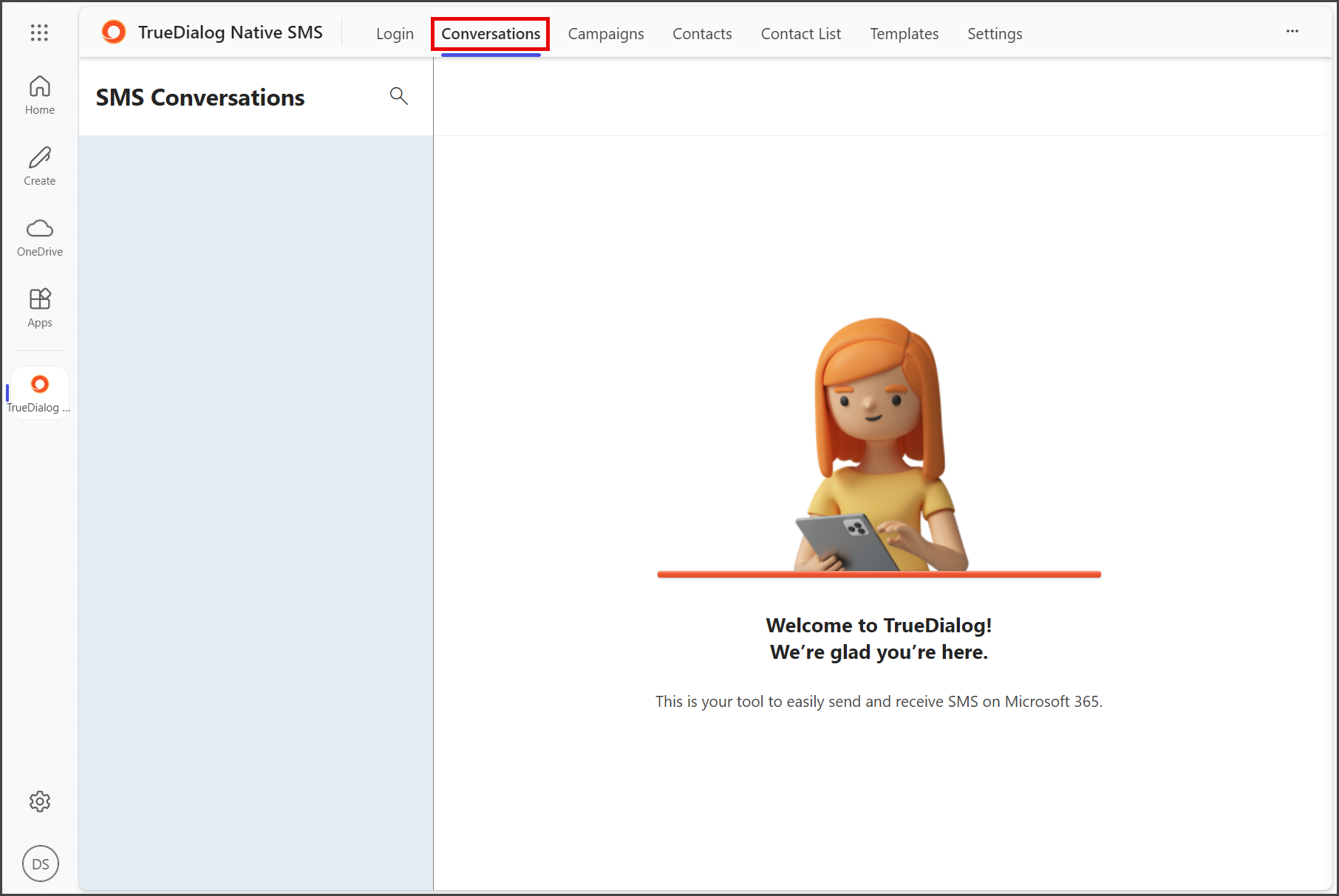
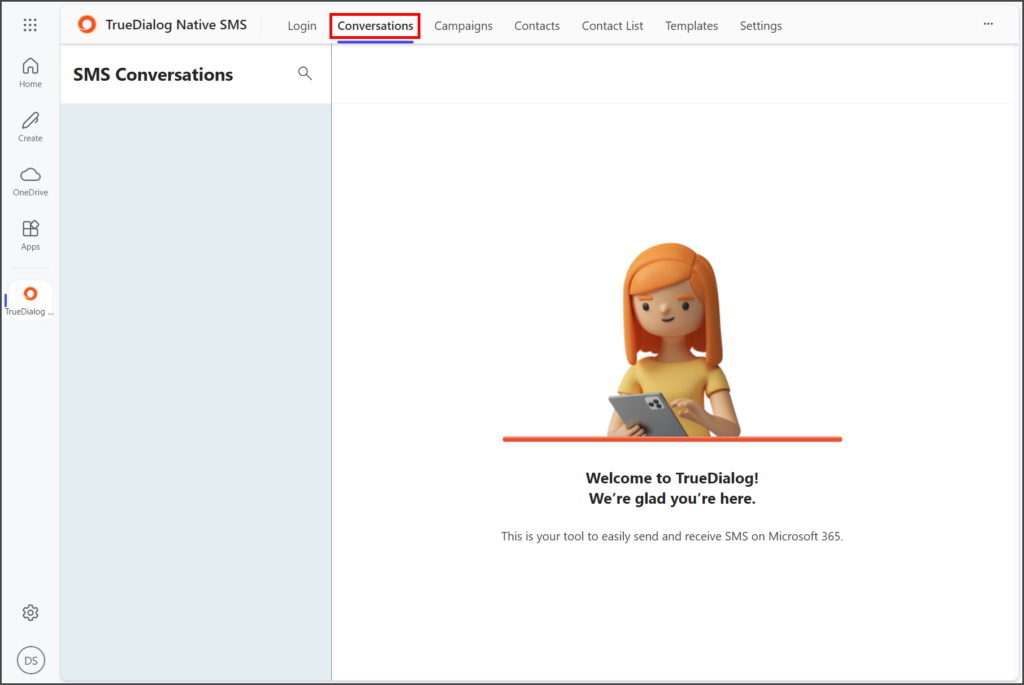
- Click the Conversations tab.
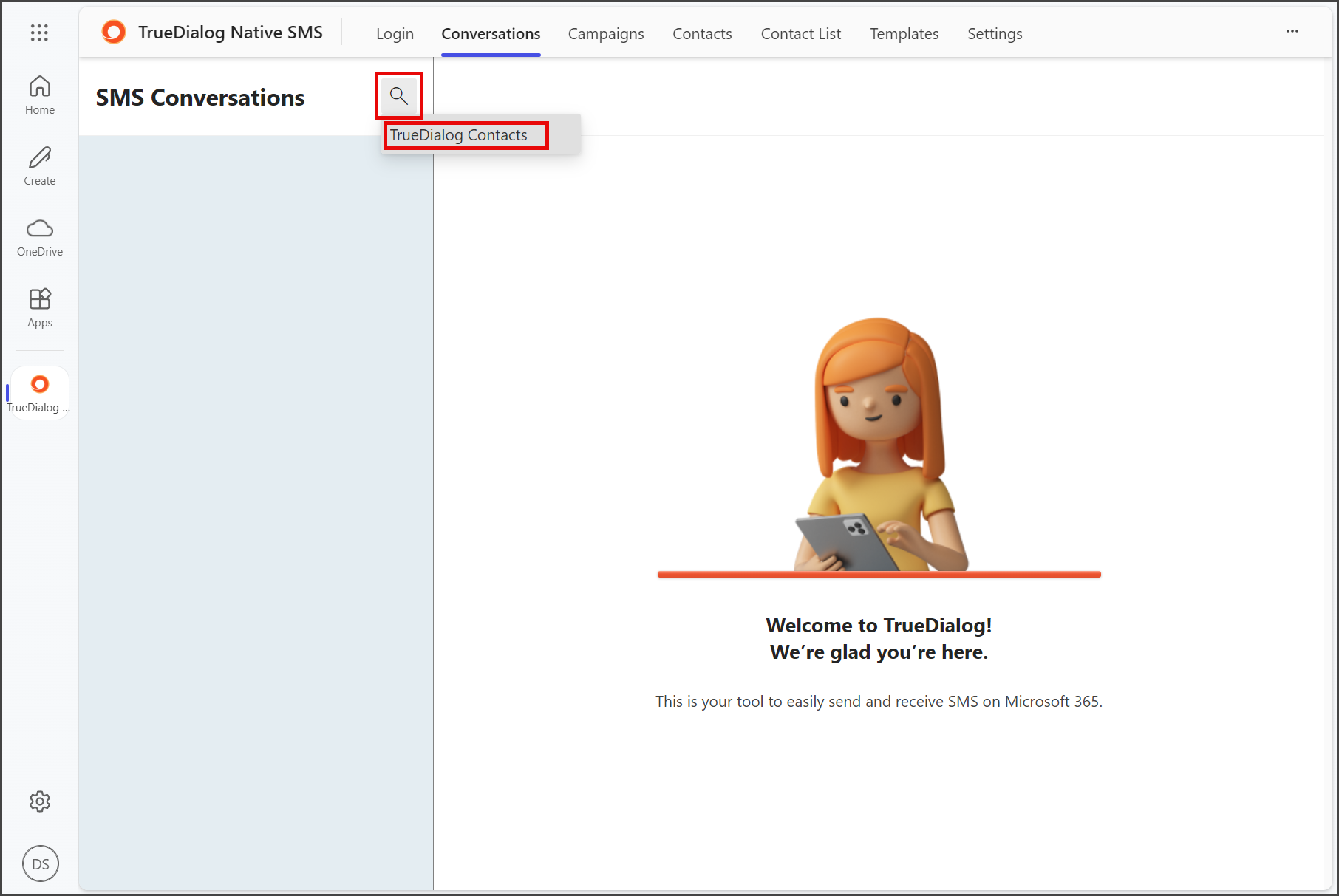
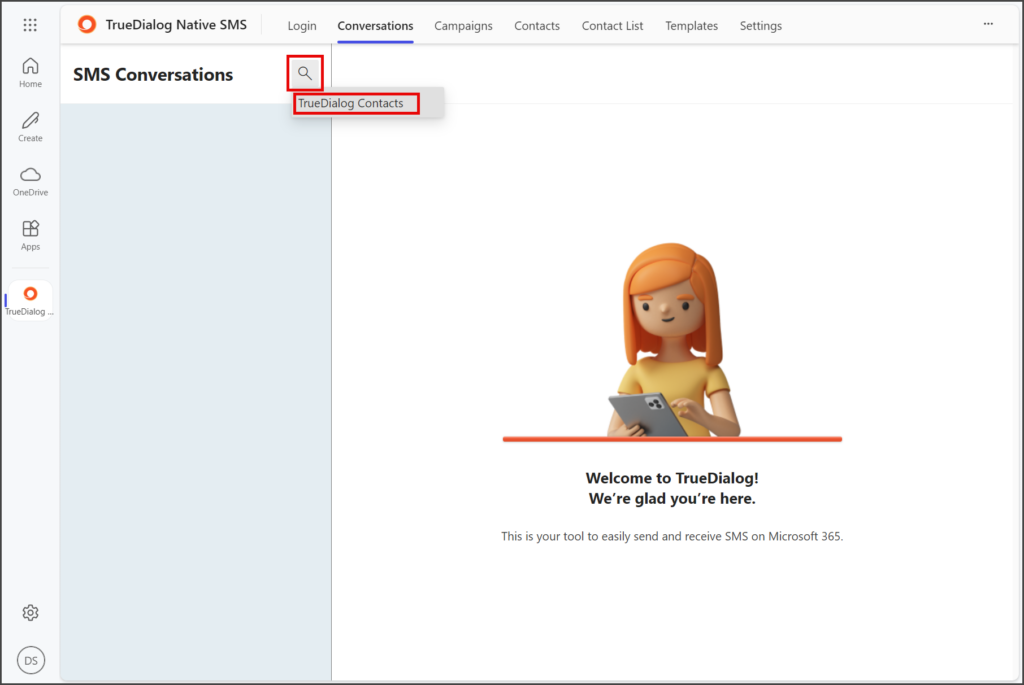
- Click the Magnifying Glass icon to open the search choices.
- Click TrueDialog Contacts.
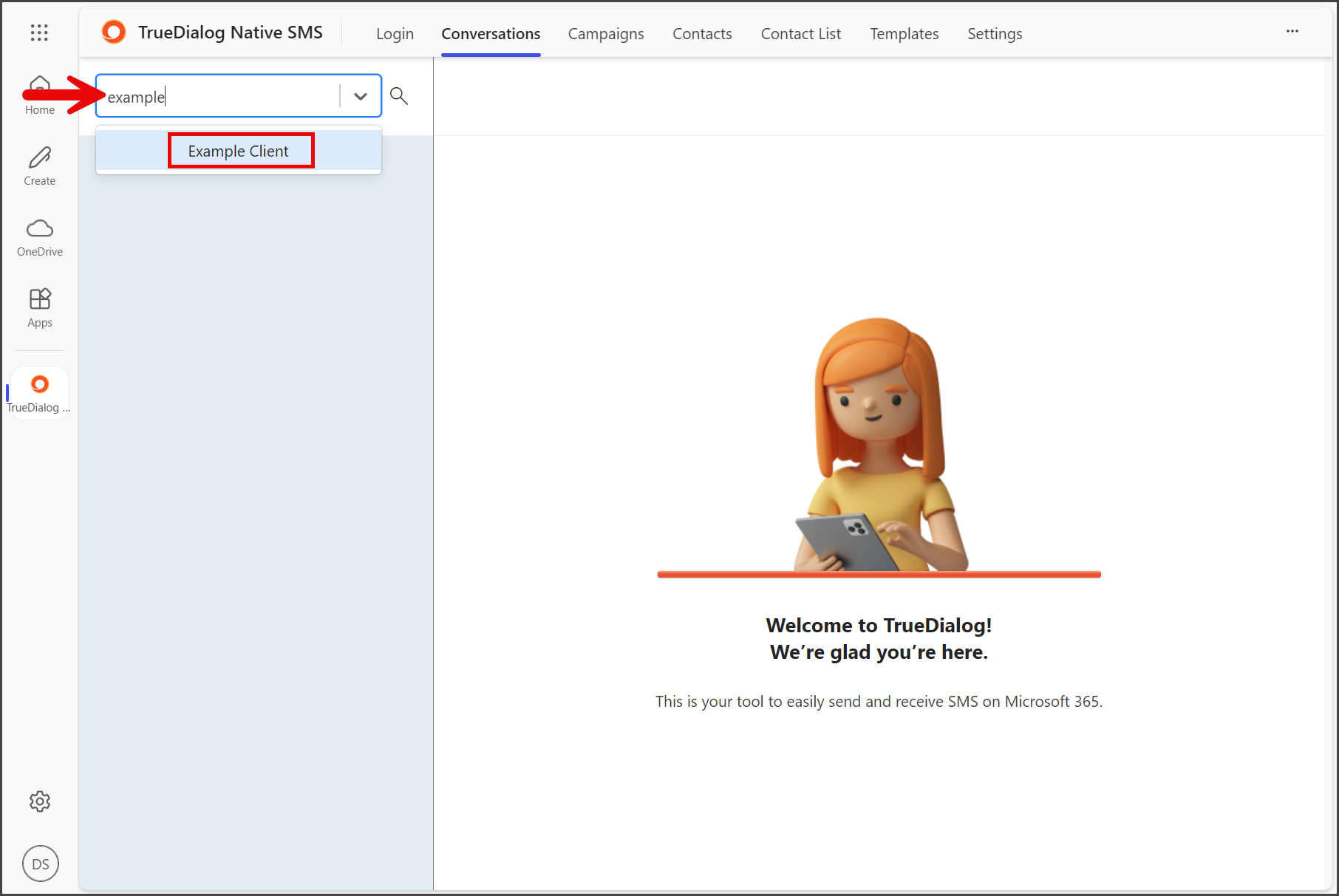
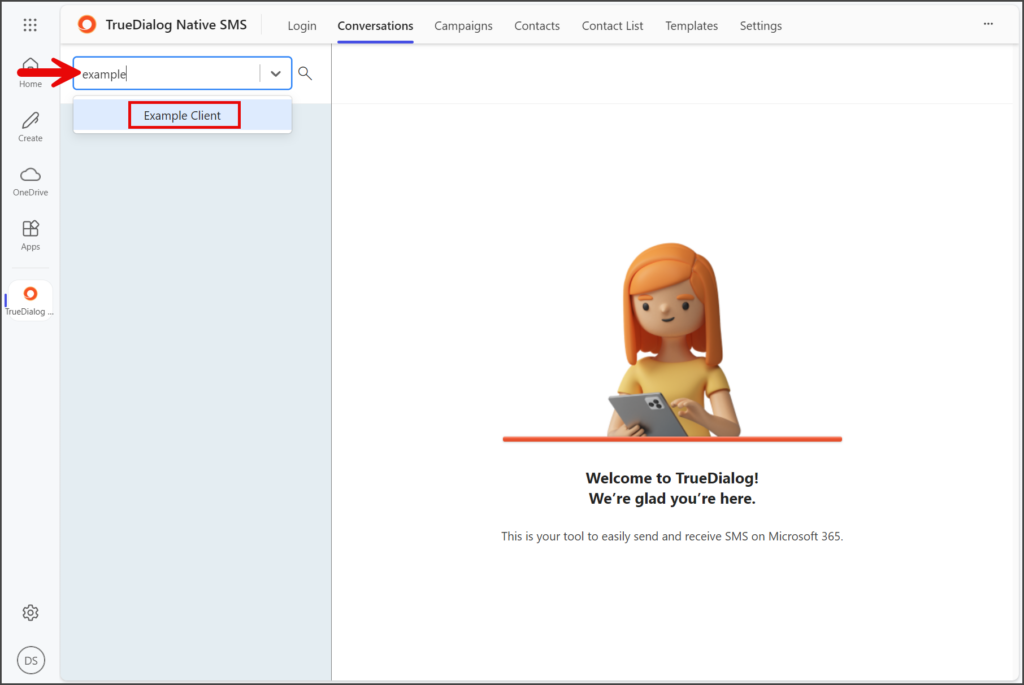
- Enter the name of the contact in the search box.
- Click the contact.
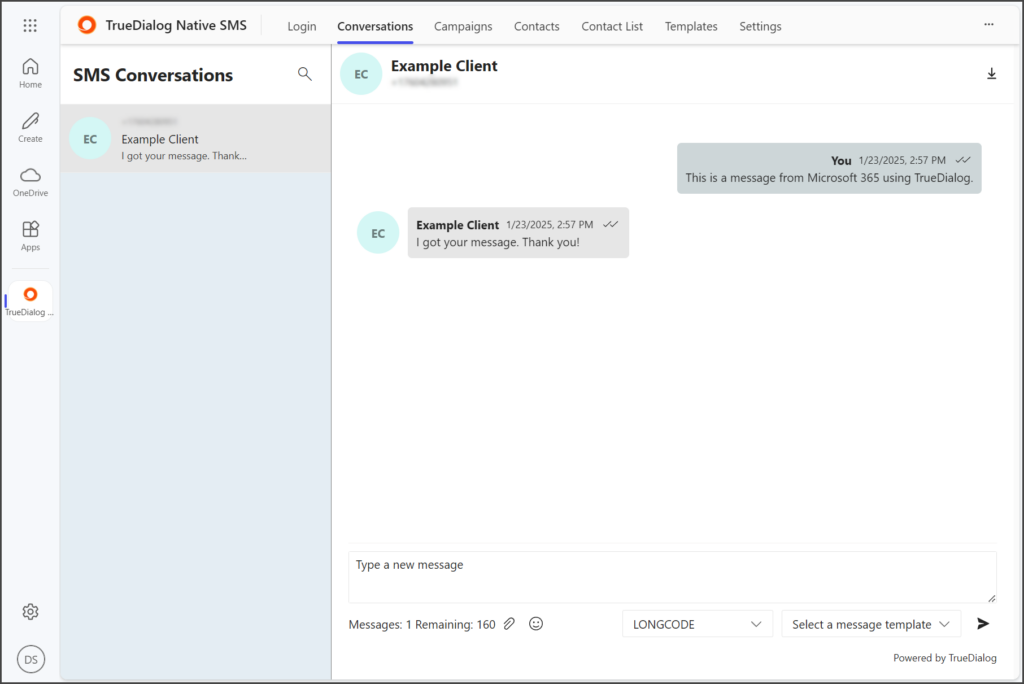
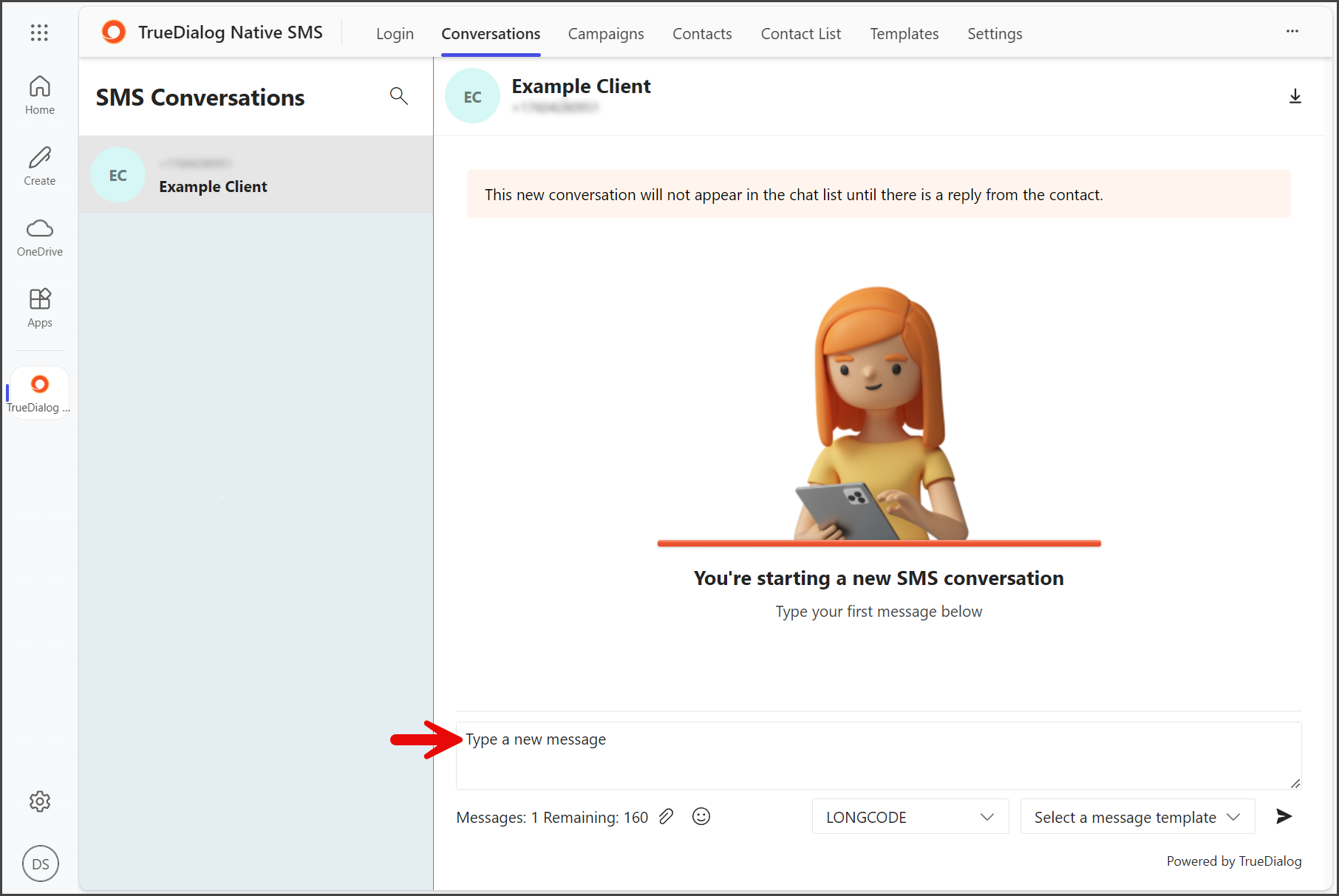
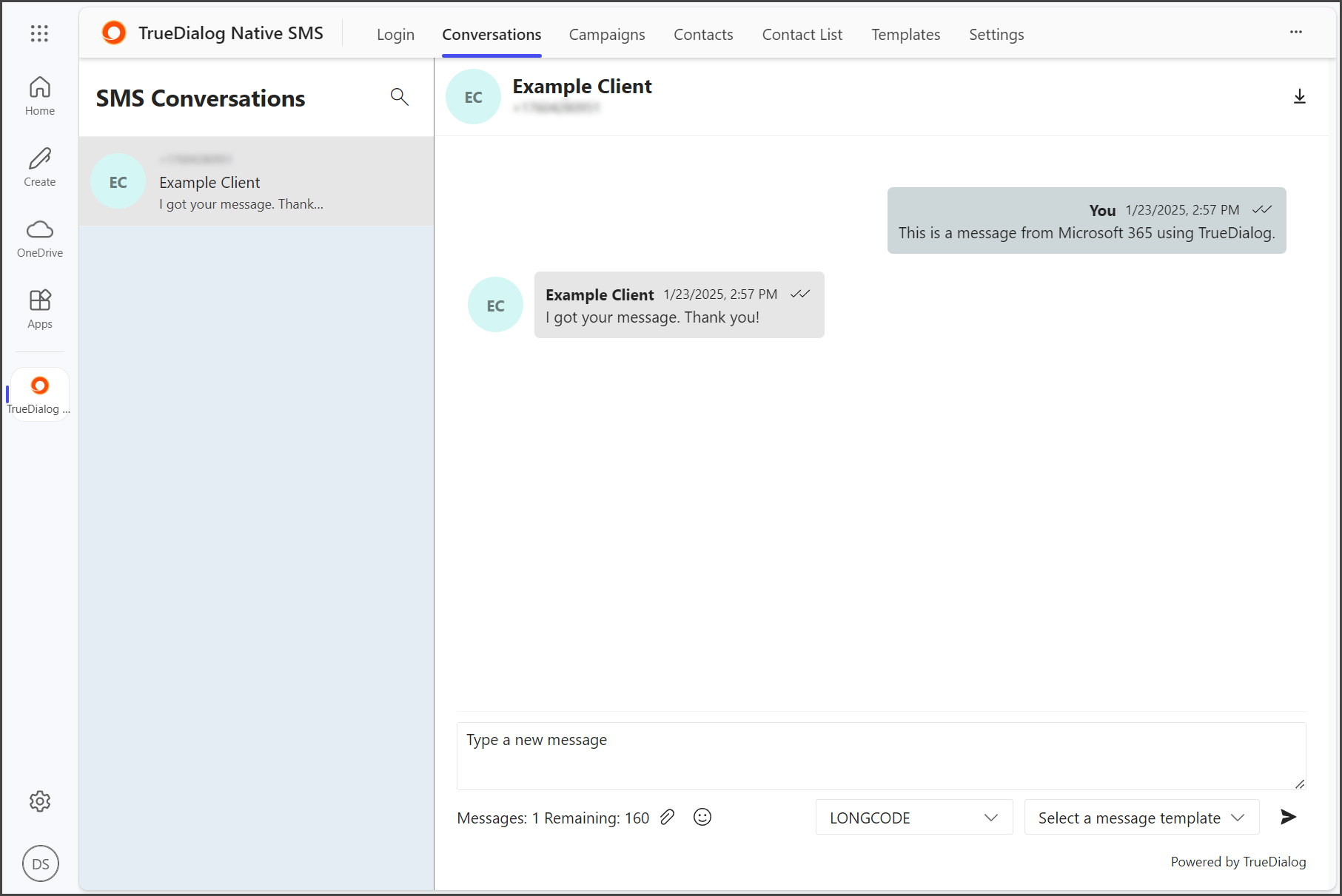
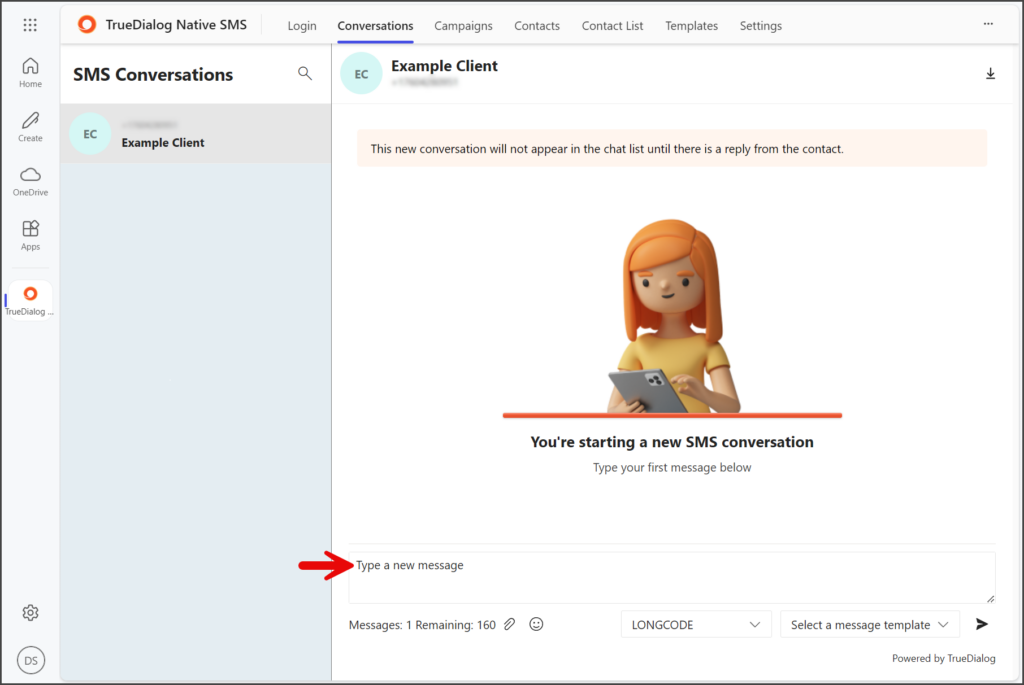
- Enter your message in the Message textbox.
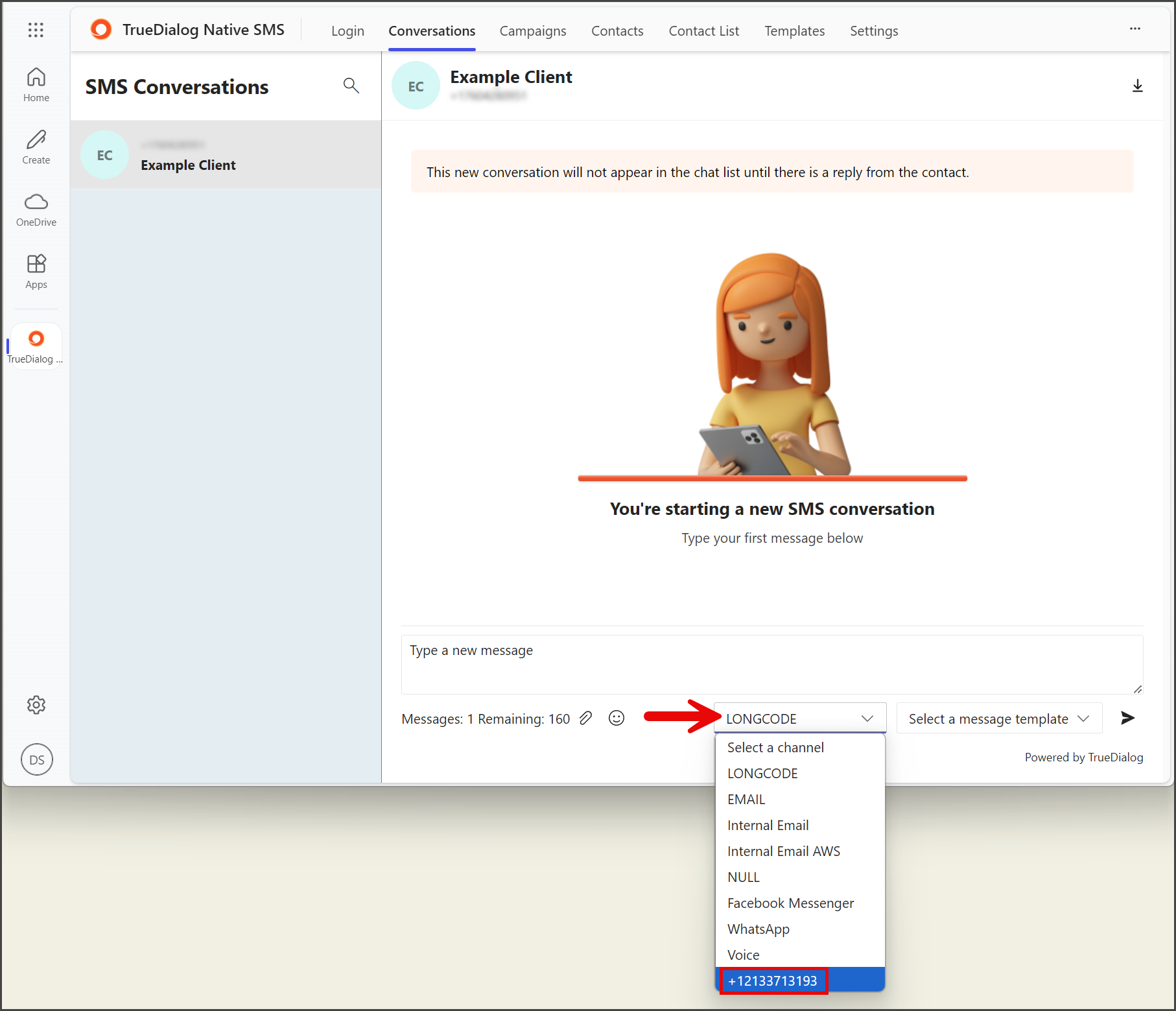
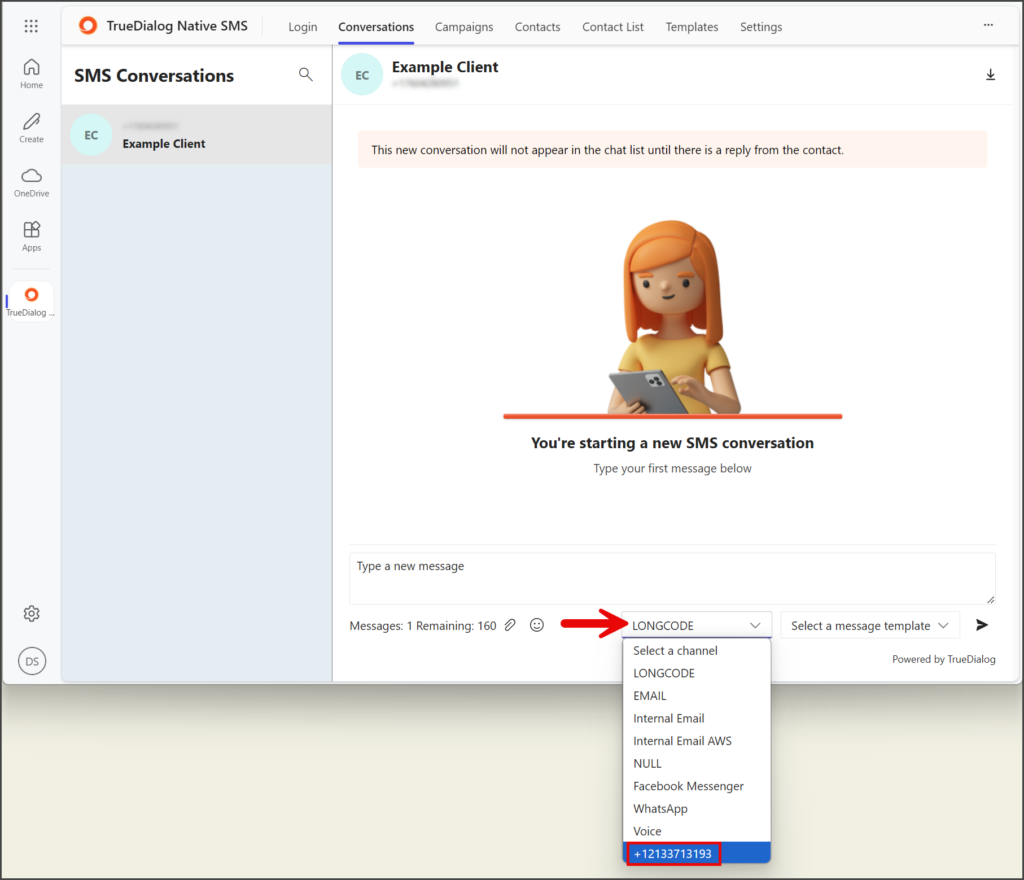
- Click Select a channel.
- Select one of your long codes to use for messaging.
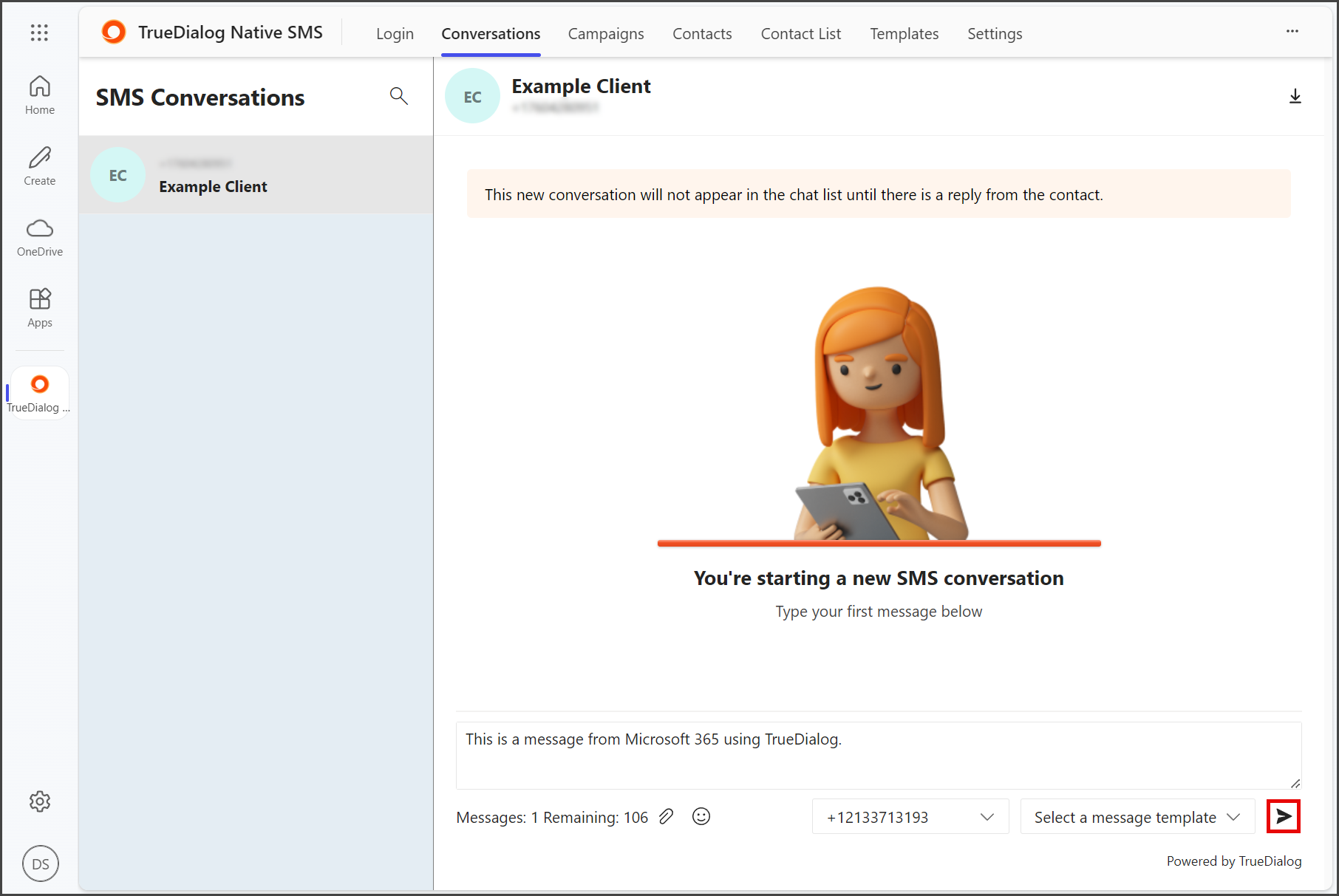
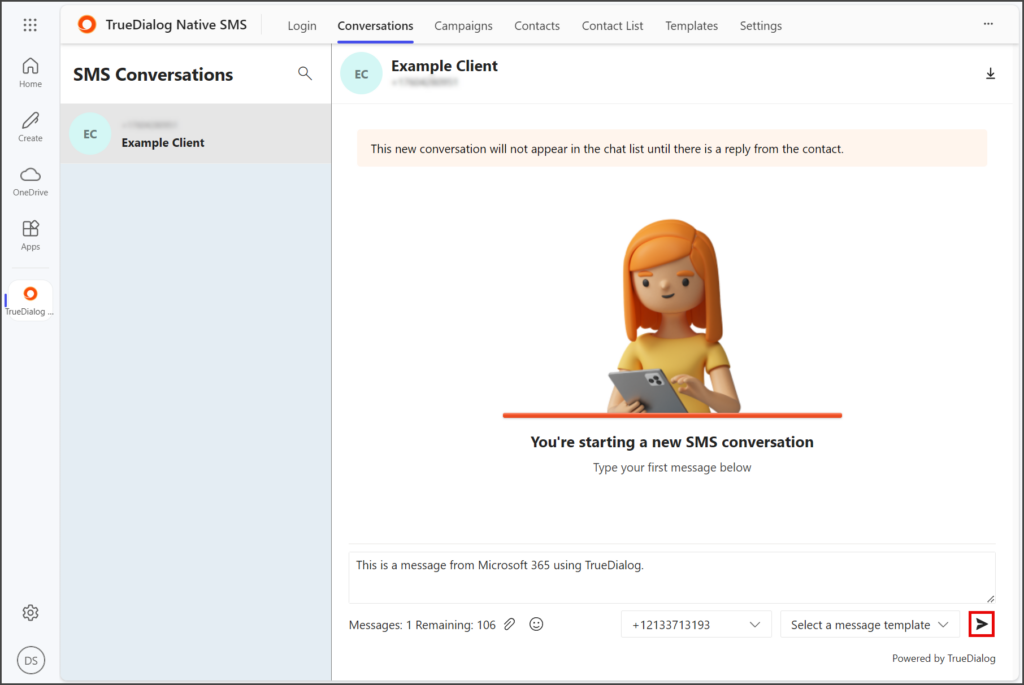
- Click the Paper airplane icon to send your message.
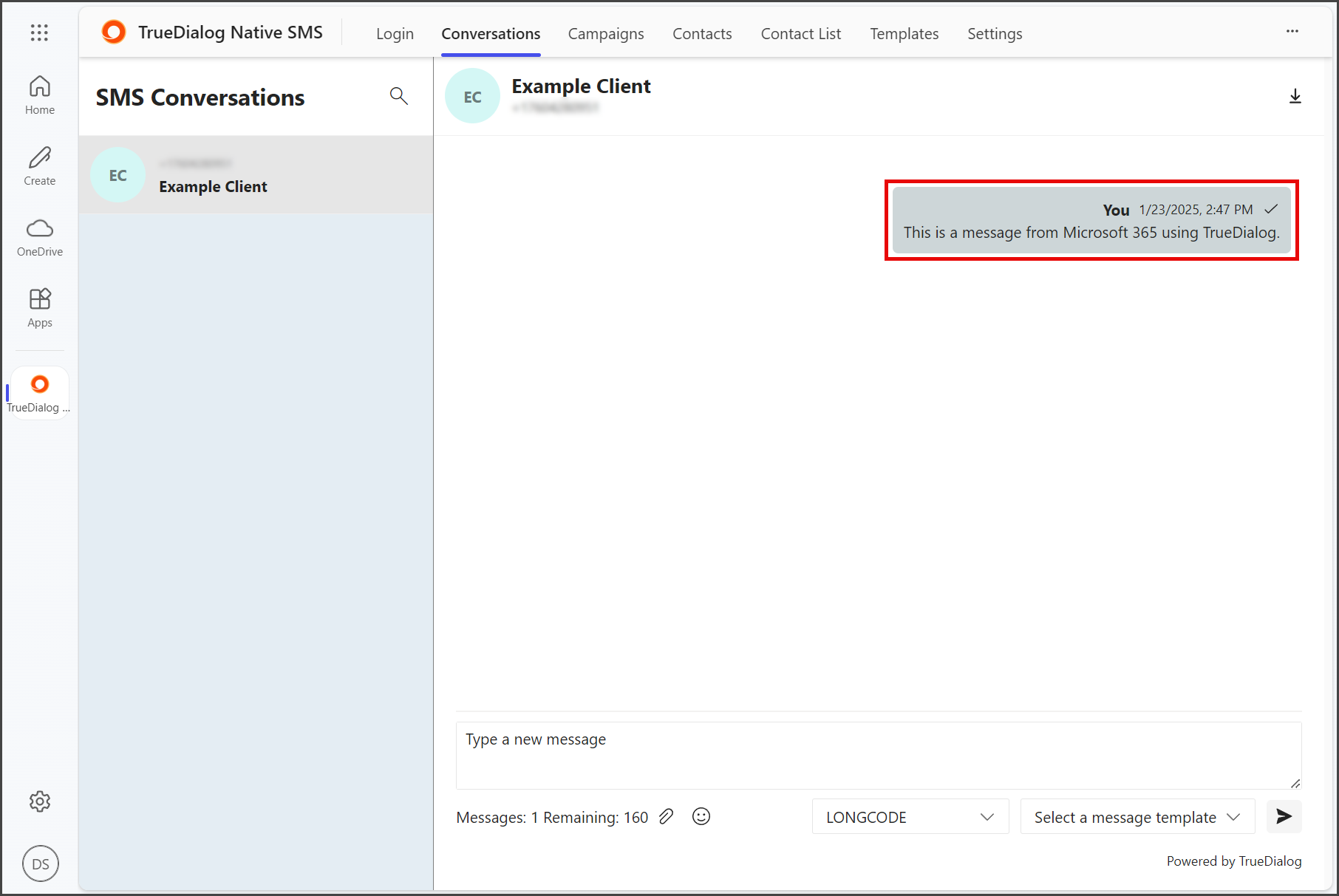
- Your message will be displayed in the message thread.
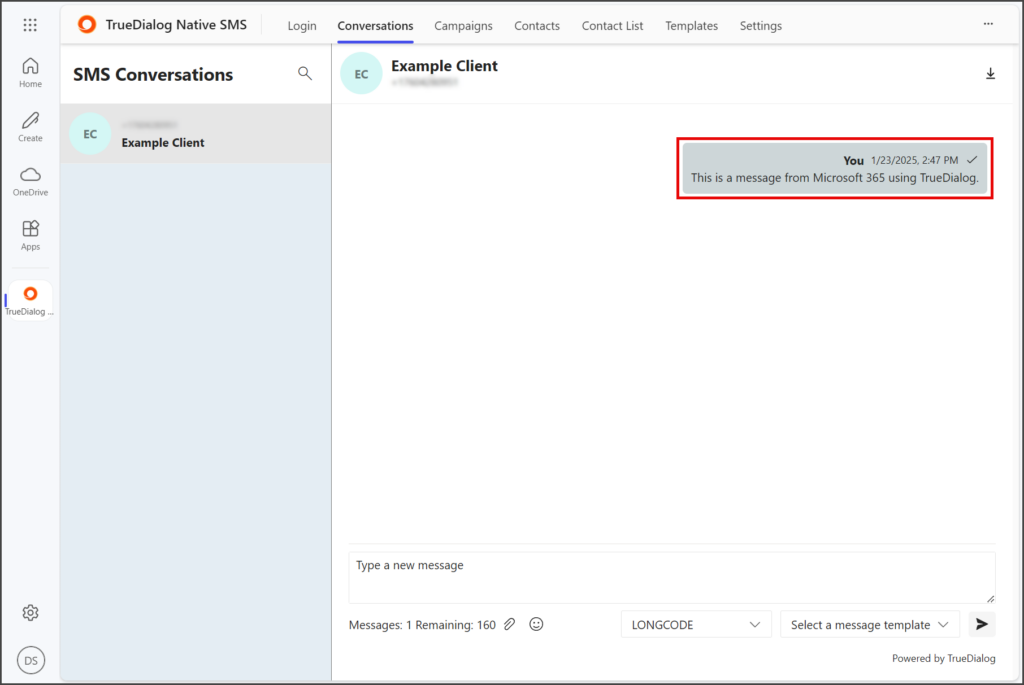
- Any messages you receive will be displayed in the message thread as well.