
Microsoft 365
TrueDialog Integration
The guide covers creating an SMS campaign. A campaign holds the message to send to end-users. Follow the instructions below to create a campaign. See the MS365 – Sending a Campaign article for a guide on how to send the campaign.
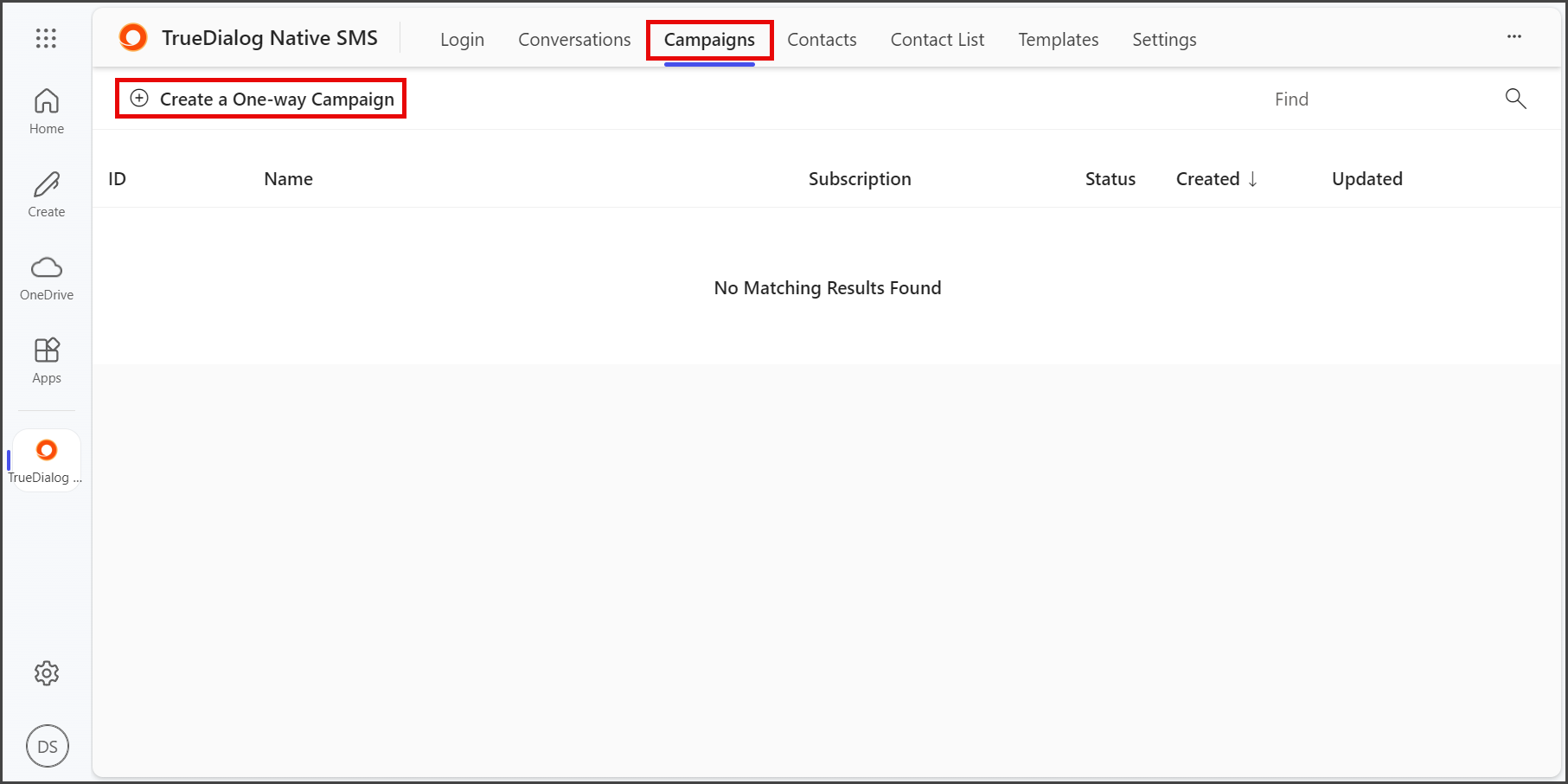
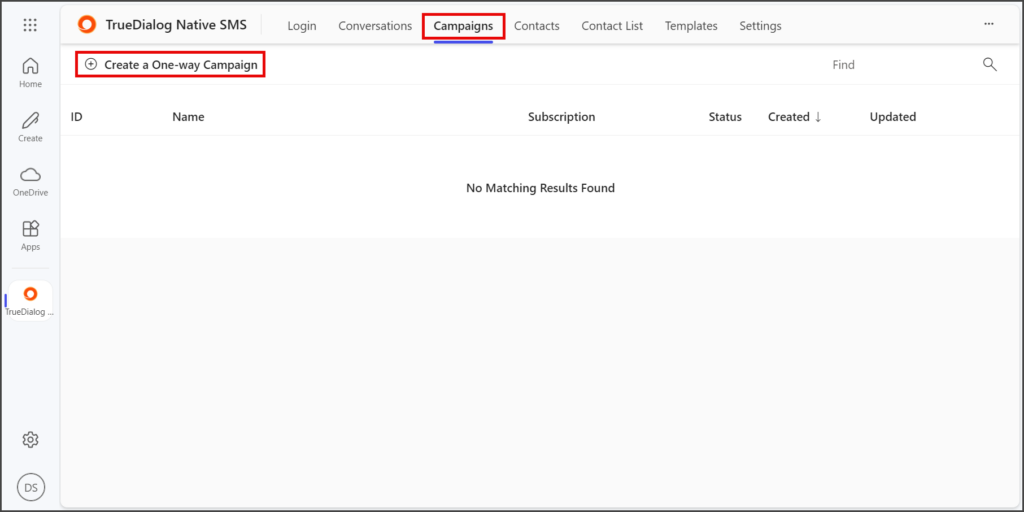
- Click the Campaigns tab.
- Click Create a One-way Campaign.
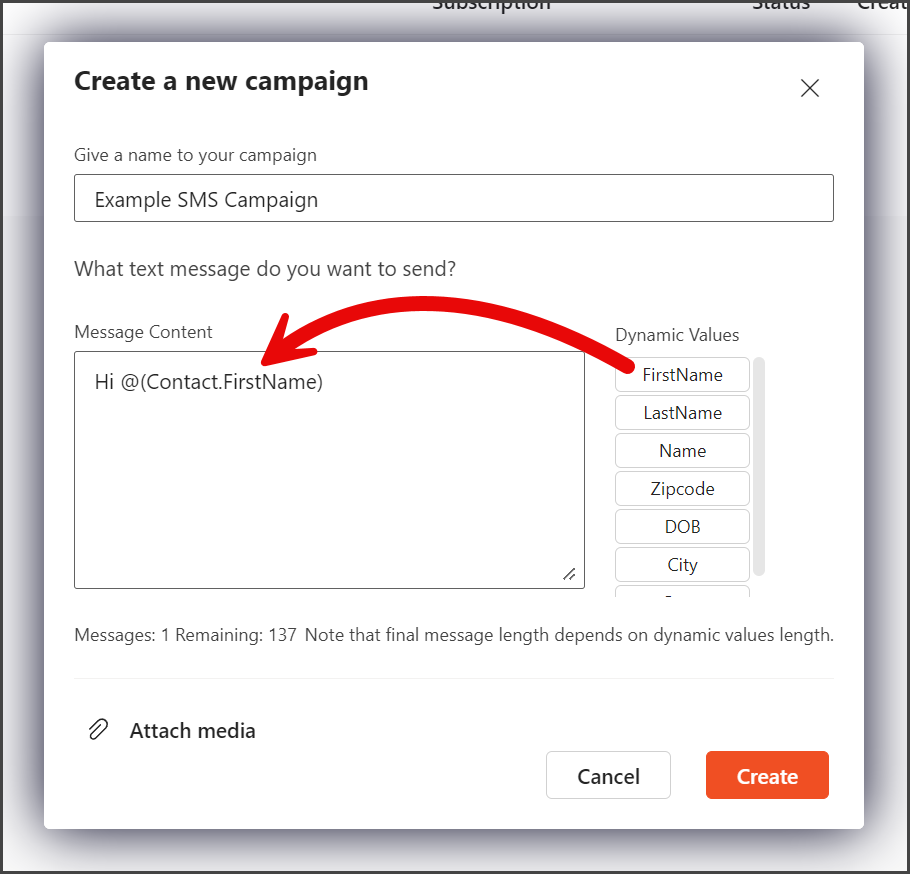
- Enter a Campaign Name.
- Enter the SMS message for the campaign in the Message Content textbox.

- (Optional) You can add Dynamic Values to your message by clicking on the value you want to insert. The Dynamic Value will be inserted into your message at the cursor’s location.
- Click Create.
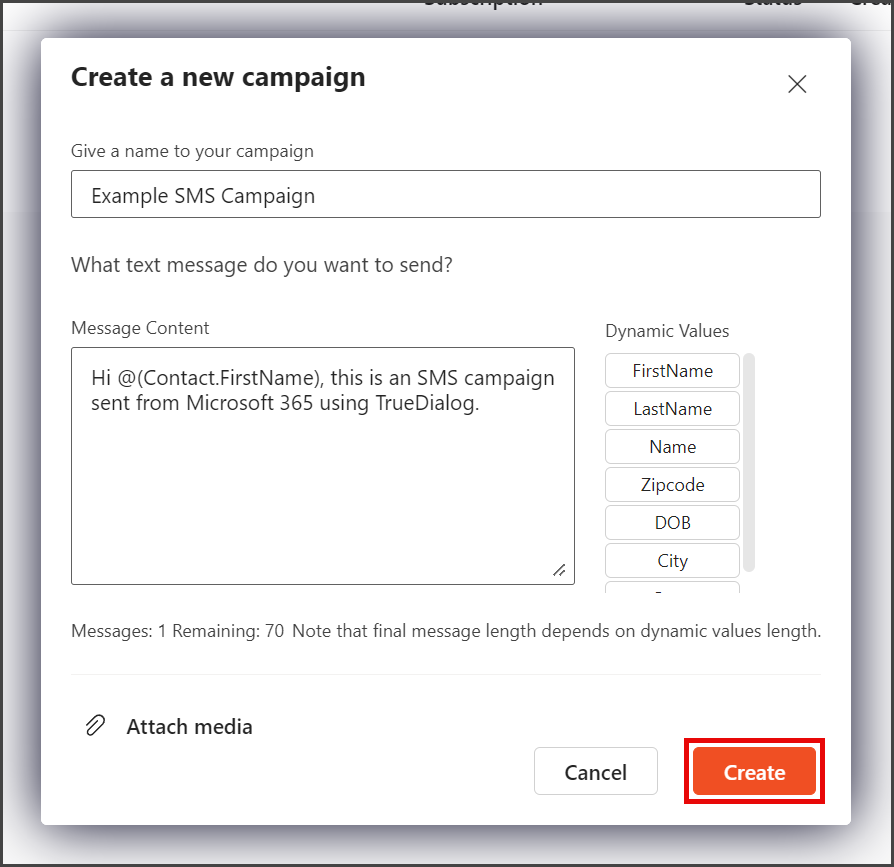
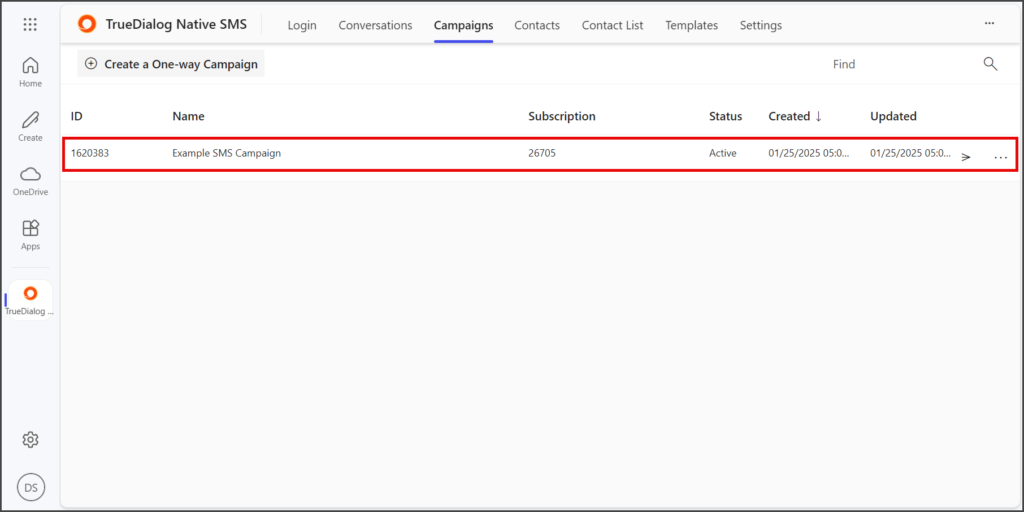
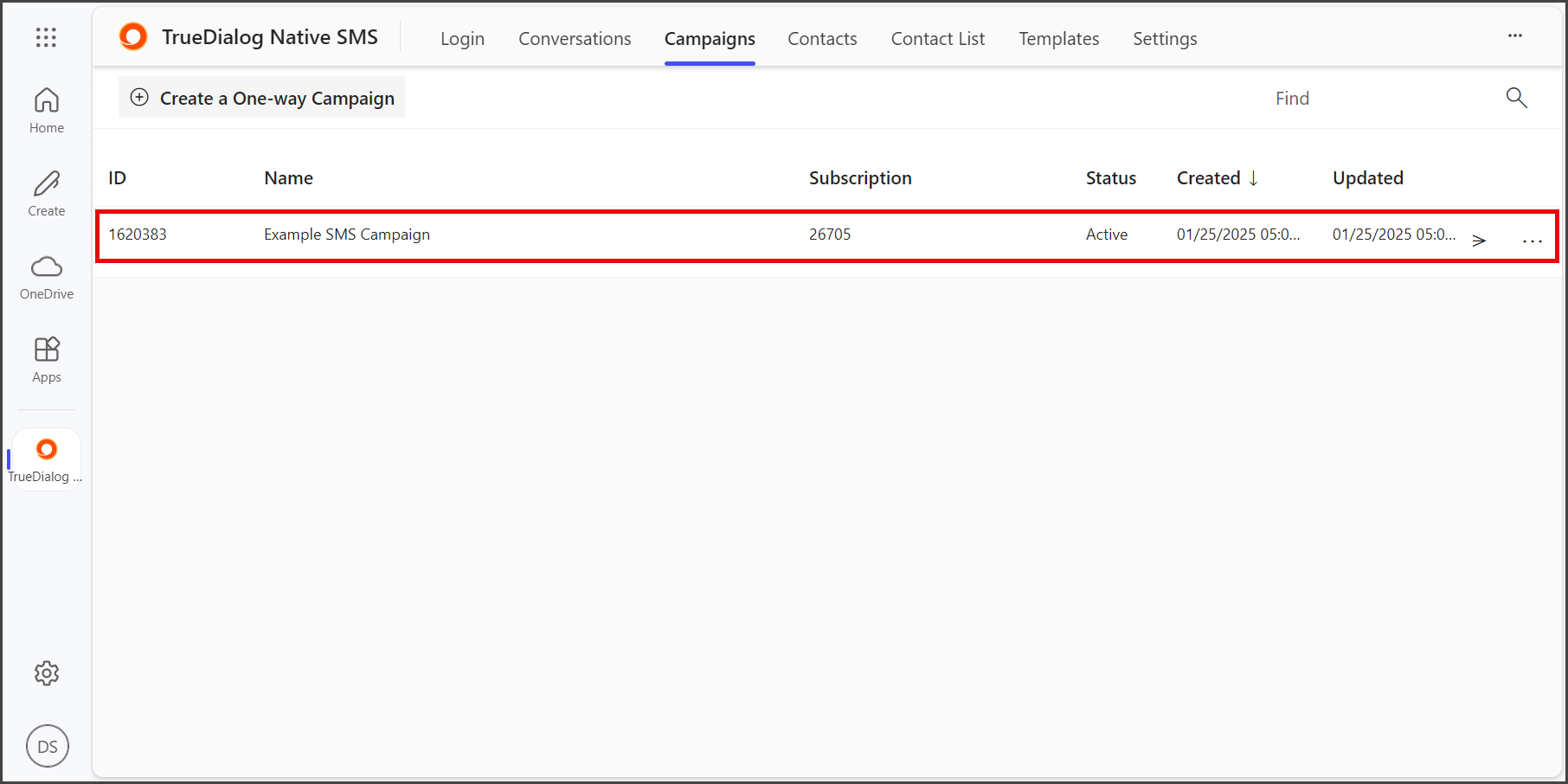
- Your new campaign is ready to be sent out to your contacts. See the MS365 – Sending a Campaign article for instructions on sending campaigns.